What is a VPN and How Does It Work?
What is a VPN and How Does It Work?
You’ve probably seen the word “VPN” everywhere — apps, YouTube ads, privacy articles. But what exactly is it, and how does it actually work?
Let’s break it down in simple terms.
What is a VPN?
VPN stands for Virtual Private Network.
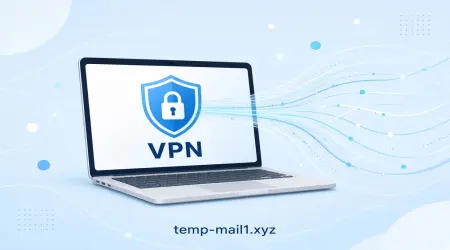
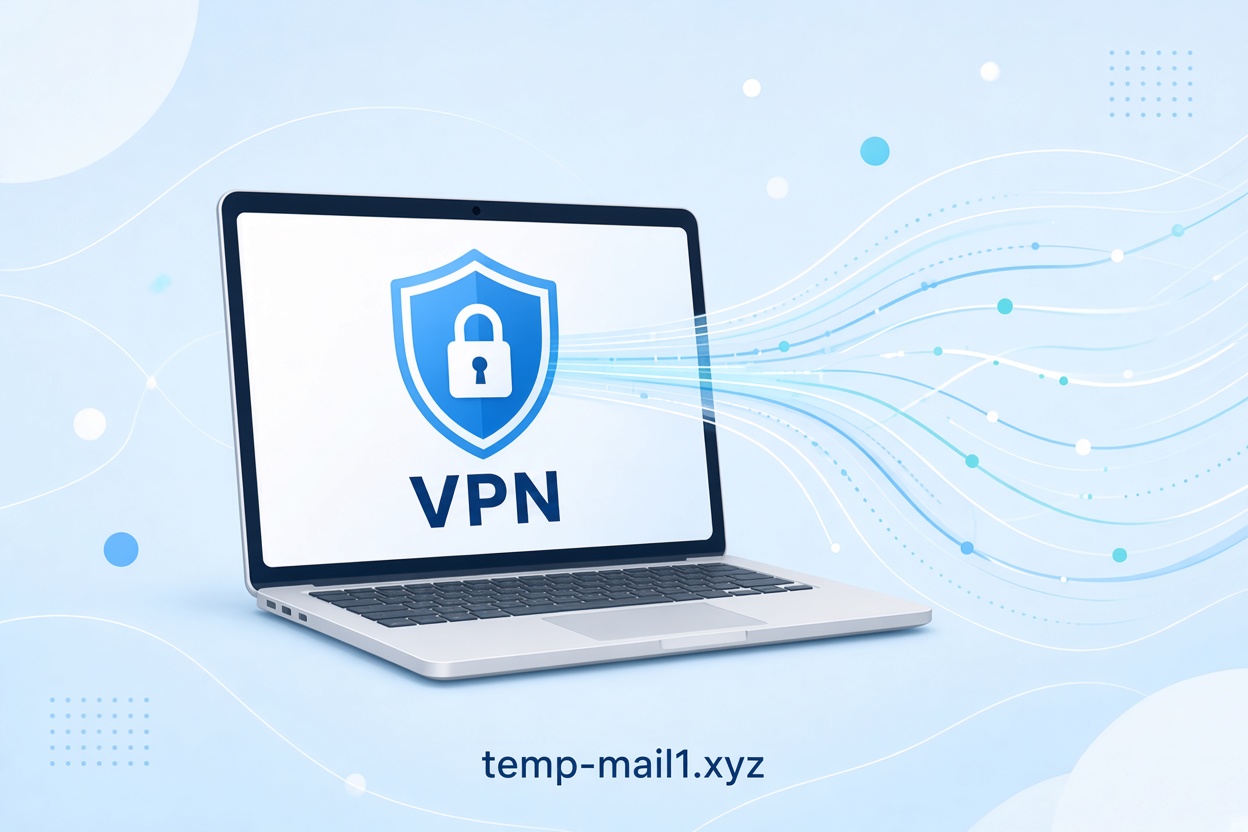
In simple words, a VPN is a service that creates a private, encrypted tunnel between your device and the internet. Instead of connecting to websites directly, your traffic first goes through a secure server operated by the VPN company.
This does two important things:
- It hides your real IP address
- It encrypts (scrambles) the data you send and receive
So when you use a VPN, websites and services see the VPN server’s location and IP address — not yours.
How Does a VPN Work?
Here’s the basic process:
- You connect to a VPN app on your phone, computer, or router.
- The app creates a secure, encrypted connection (called a tunnel) to a VPN server.
- All your internet traffic is sent through this encrypted tunnel.
- The VPN server then sends your request to the website or service you’re trying to reach.
- The website replies to the VPN server, which sends the data back to you through the same encrypted tunnel.
From the outside, it looks like the VPN server is the one browsing the internet — not you.
Think of it like this:
Without a VPN, you’re walking down the street with a clear name tag (your IP address).
With a VPN, you’re walking inside a private, tinted car. People can see the car, but they can’t see who is inside or where you came from.
Why Do People Use a VPN?
People use VPNs for several practical reasons:
- Privacy – Your internet provider and websites can’t easily track what you’re doing.
- Security on public Wi-Fi – Coffee shops, airports, and hotels often have unsafe networks. A VPN encrypts your connection so others on the same network can’t easily snoop.
- Access content from other regions – Some shows, websites, or services are restricted by country. A VPN can make it look like you’re browsing from a different location.
- Avoid bandwidth throttling – Some internet providers slow down certain activities (like streaming or downloading). A VPN can help reduce this.
- Extra layer of anonymity – Combined with tools like temporary email, a VPN adds another layer of privacy.
Does a VPN Make You Completely Anonymous?
No. A VPN greatly improves your privacy, but it doesn’t make you 100% invisible.
- The VPN company can still see your traffic (that’s why choosing a trustworthy no-logs VPN is important).
- If you log into personal accounts (Google, Facebook, etc.), those services still know who you are.
- Advanced tracking methods (like browser fingerprinting) can still identify you in some cases.
A VPN is a strong privacy tool, but it works best when combined with good habits — like using temporary emails, avoiding unnecessary logins, and keeping software updated.
VPN + Temporary Email = Better Privacy
Many people who care about privacy use both a VPN and a temporary email service.
- A VPN hides your IP address and encrypts your connection.
- A temporary email (like the ones on Temp-Mail1.xyz) protects your real inbox from spam, tracking, and data leaks.
Together, they make it much harder for websites and advertisers to build a complete profile of you.
Final Thoughts
A VPN is one of the simplest and most effective tools for protecting your online privacy and security. It works by creating an encrypted tunnel and masking your real IP address, so your internet activity becomes much harder to track.
Whether you want safer public Wi-Fi, more private browsing, or just an extra layer of security, a good VPN is worth considering.
And if you’re already using temporary emails to keep your real inbox clean, adding a VPN is a natural next step toward better online privacy.
Stay safe out there.